Velo

Photo Compression for More Storage

Photo compression reduces image file size while keeping the photos you want to keep. Velo makes that process simple on iPhone and Android.
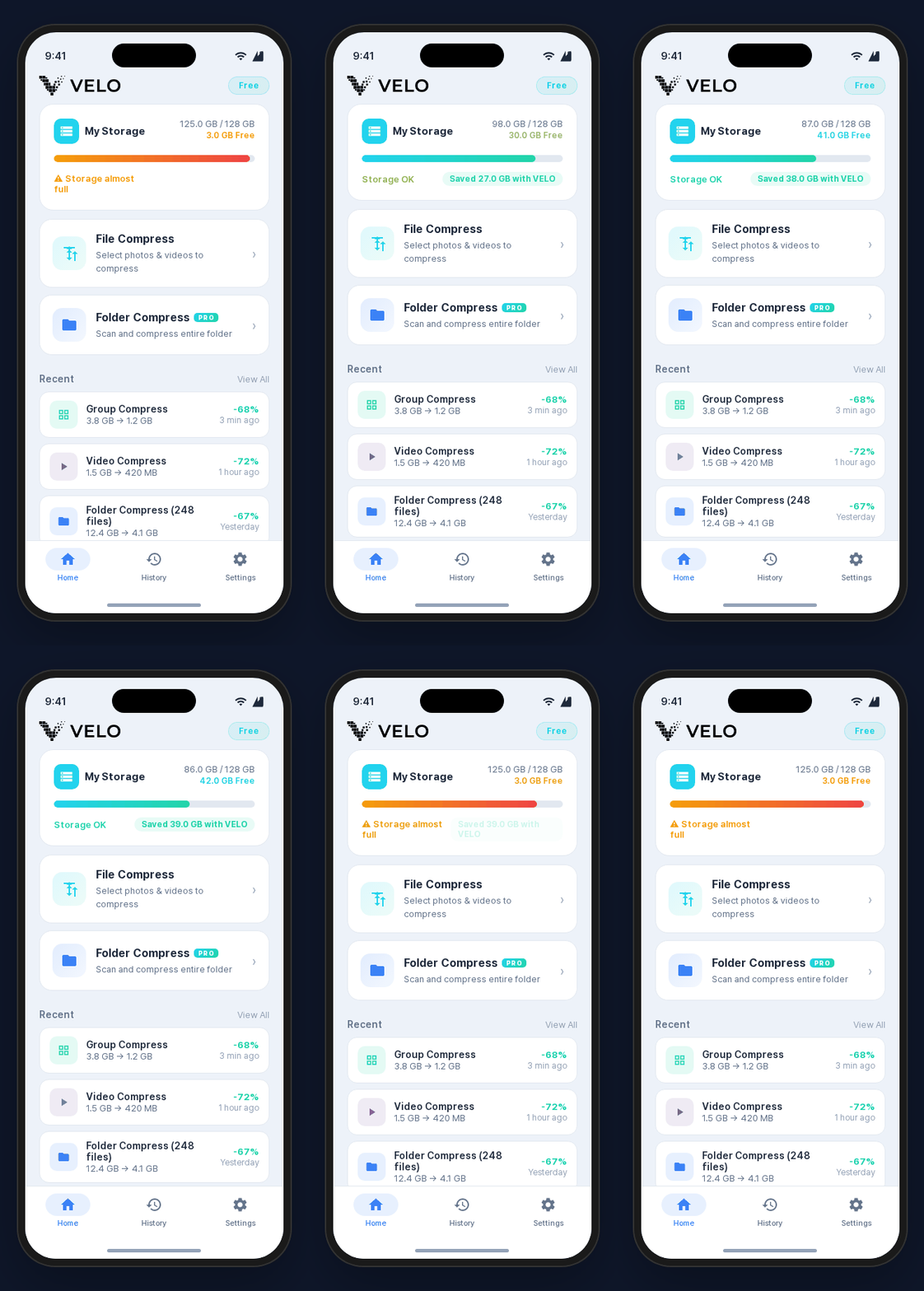
Photo Compression for More Storage Velo app screen

How photo compression works

  • Select photos or folders that use storage.
  • Reduce photo file size directly on the device.
  • Review the storage saved after compression.

Best for

  • Photo libraries that are taking over phone storage.
  • Users who want more space without deleting pictures.
  • Batch cleanup across many photos.
Photo Compression for More Storage

How to use this in practice

When storage is full, start with the largest media files. Velo connects photo and video compression, folder-based cleanup, and saved-space history in one flow.

Before you compress

  1. 1Start with long videos and high-resolution photos that use the most storage.
  2. 2Keep important originals until you review the compressed result.
  3. 3Compare saved space before deciding whether to keep or remove originals.
  4. 4Revisit camera and download folders regularly because they fill up again.

What this helps with

Less pressure to delete

Compression can create space before you decide to remove photos or videos.

Local storage recovery

Instead of moving files to cloud storage, Velo reduces file size on the device.

Clear results

Compression history helps you understand which files recovered storage.

Privacy standard

Velo is designed to process photos and videos on your device instead of uploading them to a server. The compression flow can also work offline.

Photo Compression FAQ

Does photo compression delete photos?

No. Compression reduces file size. You choose what happens to the original files.

Can photo compression free up storage?

Yes. Reducing large photo files can help recover phone storage.

Is Velo a photo compression app?

Yes. Velo supports photo and video compression.

Compress photos before deleting them

Use Velo to reduce photo size and recover storage.