Less pressure to delete
Compression can create space before you decide to remove photos or videos.
Videos are often the biggest files on a phone. Velo helps reduce video file size so you can recover storage without losing the videos you want to keep.
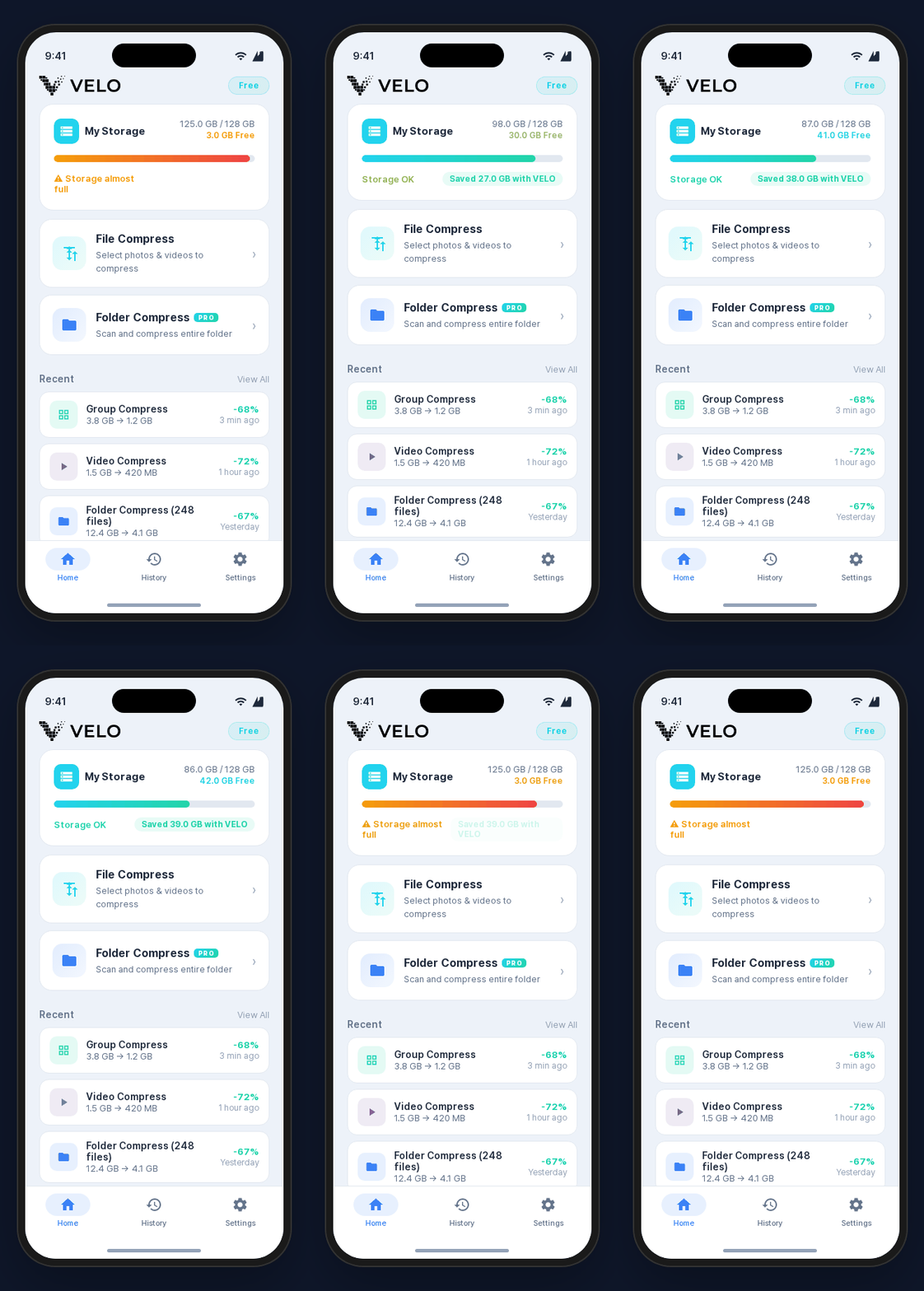
When storage is full, start with the largest media files. Velo connects photo and video compression, folder-based cleanup, and saved-space history in one flow.
Compression can create space before you decide to remove photos or videos.
Instead of moving files to cloud storage, Velo reduces file size on the device.
Compression history helps you understand which files recovered storage.
Velo is designed to process photos and videos on your device instead of uploading them to a server. The compression flow can also work offline.
Yes. Velo reduces video file size to help recover storage.
Yes. Velo is designed around on-device processing.
Yes. Larger videos often create the biggest storage savings.
Use Velo to reduce video size and free up phone storage.